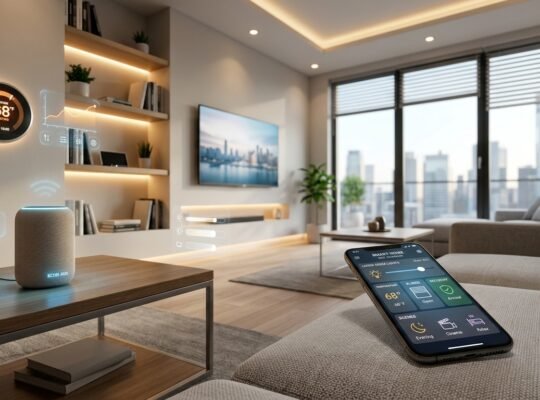

If you’re asking “what’s the best smart home systems,” here’s the answer I give clients after three years of writing in this niche: there isn’t one best system, there’s a best system for you. Alexa wins on compatibility, Apple HomeKit wins on privacy, Google Home wins on voice, Home Assistant wins on control, and Matter is becoming the standard that ties them all together.
This guide walks you through choosing an ecosystem, planning your budget, understanding Matter, Thread, and Zigbee without the jargon overload, securing your setup, and knowing when to DIY versus hire a pro all in one place, because most guides make you piece this together from five different articles. If you want the shorter, category-level overview first, check out our smart home hub page before diving into the full breakdown below.
Timing matters too. The smart home market is projected to grow from $215.77 billion in 2026 to $490.3 billion by 2030, with one longer-range forecast putting it at $1.43 trillion by 2034. New devices and standards will keep showing up. This guide gives you a framework so you’re not deciding from scratch every time.
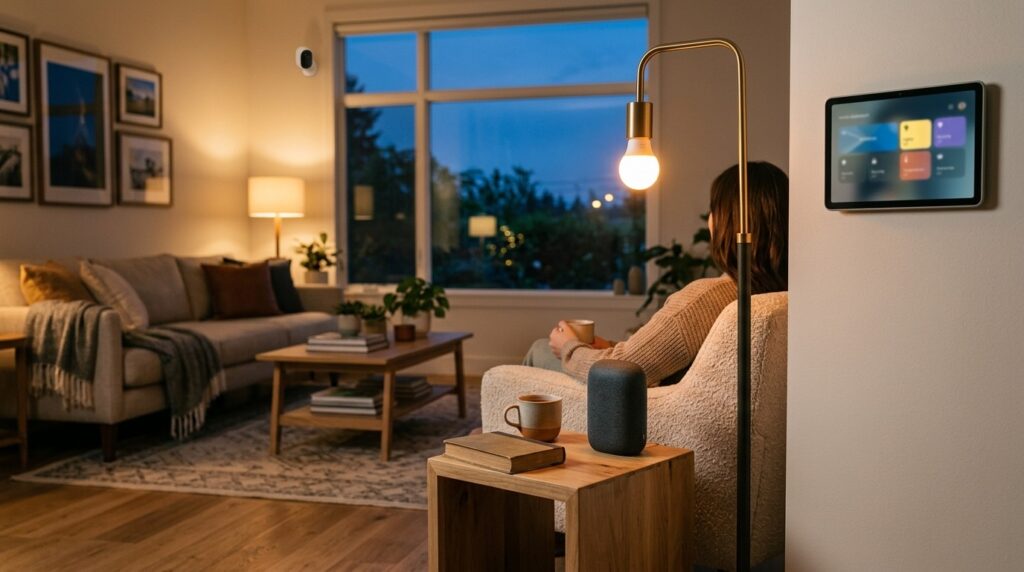
What Is a Smart Home System and How Does It Work?
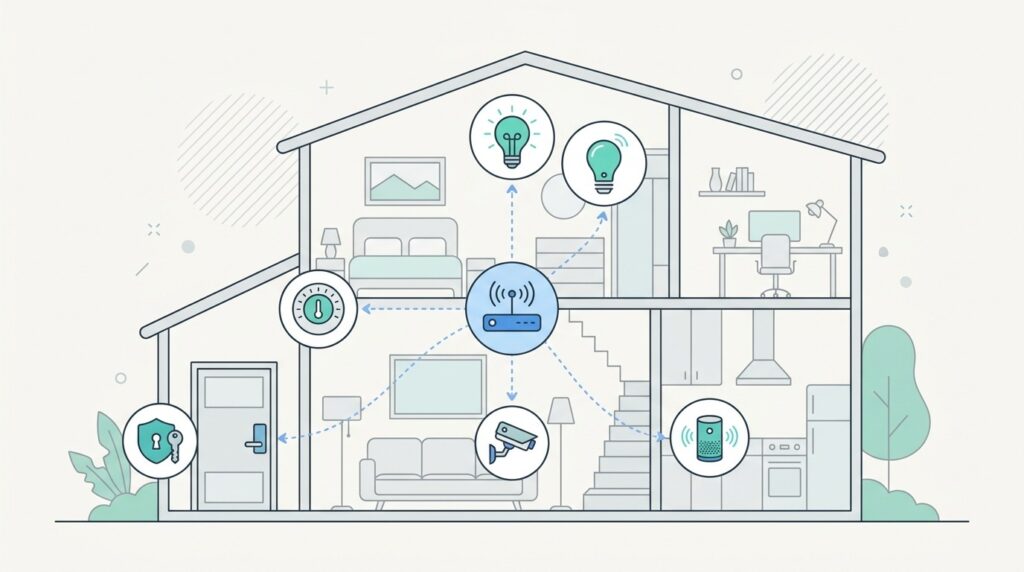
At its simplest, a smart home system is a network of connected devices, lights, locks, thermostats, cameras that talk to each other and to you, usually through an app or voice assistant, so your home can respond to conditions instead of just sitting there. That’s the whole concept before you even get into brand names.
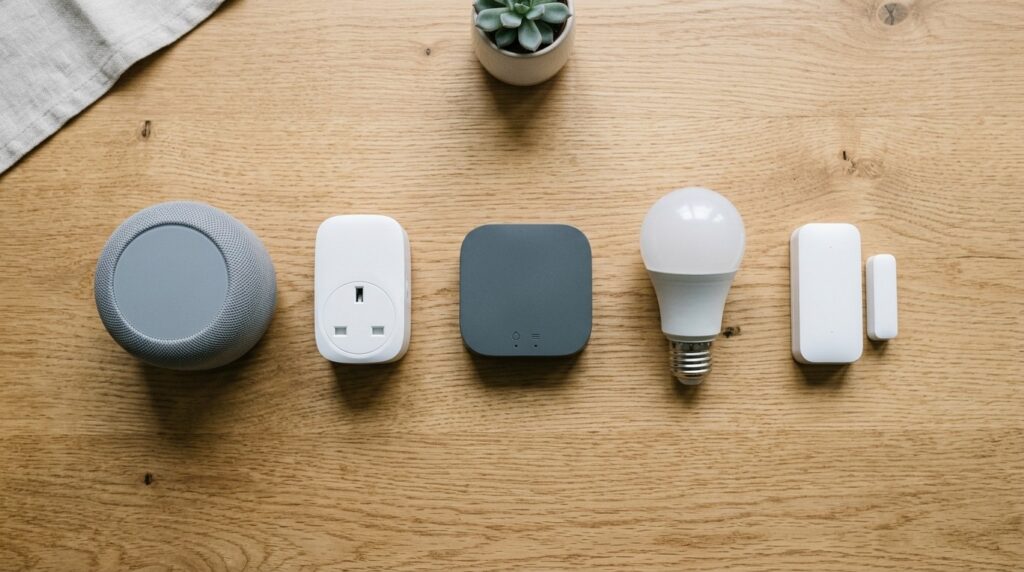
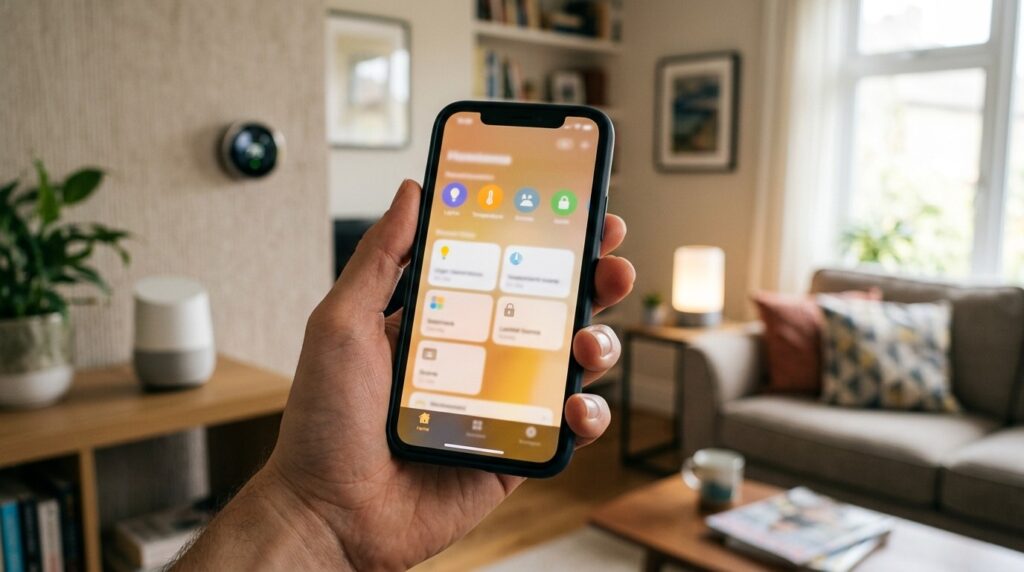
Every smart home has three core components: the devices (bulbs, sensors, plugs, thermostats), a controller (the app or voice assistant you interact with, like Alexa or Google Home), and often a hub a physical or software bridge that lets devices using different protocols (Zigbee, Z-Wave, Wi-Fi) actually communicate with each other and stay connected even if your internet drops.
Not every system needs a hub anymore. Many newer Wi-Fi and Matter-compatible devices connect directly to your router, which is part of why setup has gotten so much easier over the past couple of years. But if you’re mixing device types, say Zigbee sensors with Wi-Fi cameras, a hub is still what keeps everything on one network instead of three separate ecosystems.
One distinction worth knowing: “smart home system” and “home automation system” get used interchangeably, but automation technically refers to the rules of things happening automatically based on triggers while the smart home system is the broader infrastructure that makes automation possible.
What Are the Best Smart Home Systems in 2026?
Google Home is the best overall pick for most people: strong voice recognition, smooth Nest integration, and enough device support to cover a typical household without a steep learning curve. Amazon Alexa has the widest device compatibility of any platform, which makes it the safest bet if you’re not sure what brands you’ll end up buying over time. Apple HomeKit is the strongest choice for privacy, leaning on more on-device processing and tighter data controls. Matter isn’t a system you “choose” exactly, it’s the cross-platform standard now underpinning future-proofing across all the major ecosystems. And Home Assistant Green is the pick for people who want full local control and don’t mind a more hands-on setup.
For luxury or new-build homes, the professional-grade names worth knowing are KNX, Loxone, and LCN wired, building-automation-grade systems typically installed by integrators rather than bought off a shelf.
This lines up with Security.org’s 2026 hands-on testing across voice commands, automations, locks, and cameras, which ranked platforms specifically on compatibility, setup ease, reliability, privacy, and long-term ecosystem value (source).
| Platform | Best For | Setup Difficulty | Privacy | Compatibility | Local Control | Voice Assistant | Works with Matter | Ideal User |
| Amazon Alexa | Widest compatibility | Easy | Moderate | Highest | Limited | Yes | Yes | Beginners, mixed-brand homes |
| Google Home | Best overall | Easy | Moderate | High | Limited | Yes | Yes | Android/Nest users |
| Apple HomeKit | Privacy | Easy–Moderate | Highest | Moderate | Some | Yes (Siri) | Yes | Apple households |
| Home Assistant Green | Customization/control | Advanced | Highest | Very High | Full | Optional | Yes | Power users |
| KNX / Loxone / LCN | Luxury/new builds | Professional install | High | High (wired) | Full | Varies | Partial | Luxury homeowners |
If you’re still narrowing down which brand-name devices to pair with any of these platforms, our best gadgets of 2026 roundup is a good next stop.
How Do You Choose the Best Smart Home System for Your Home?
This is the section most competitor guides skip, and it’s usually the one that actually decides what you buy. In my experience, the “best” platform question only makes sense once you answer a few practical questions about your living situation first.
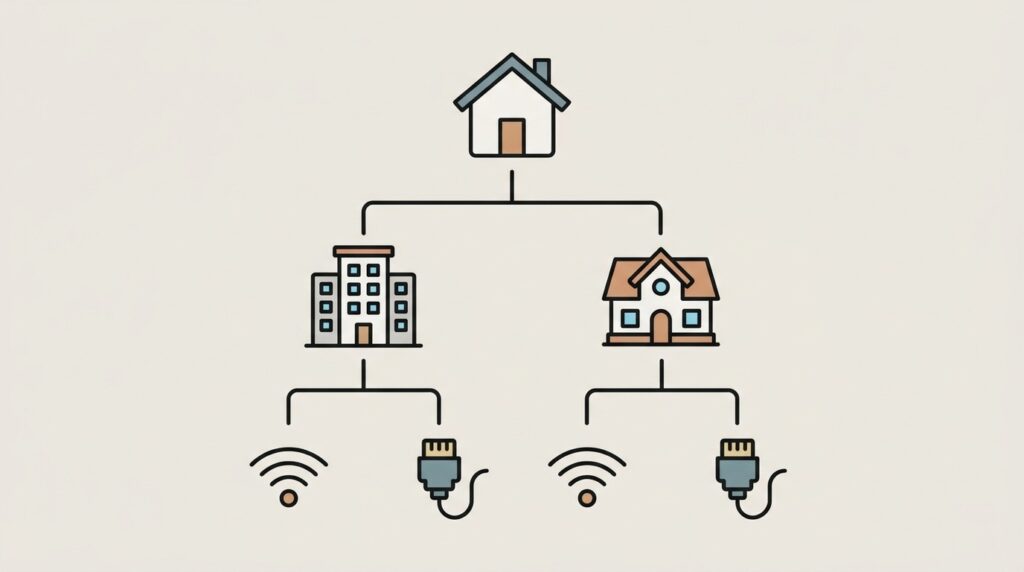
Home type matters. Apartments and small homes usually do fine with wireless, app-based systems Alexa or Google Home since there’s less square footage to cover and no wiring involved. Villas and large homes benefit from mesh-based protocols (Zigbee, Z-Wave, Thread) or wired systems like KNX, since range and reliability become bigger issues.
Renters vs. homeowners is the next fork. Renters should lean toward wireless, non-invasive devices, smart plugs, battery locks, plug-in hubs that don’t require drilling or rewiring. Homeowners have more freedom to invest in wired, whole-home systems since they’ll actually see the long-term value.
DIY vs. professional install depends on scope: single-room setups are fine to DIY, but whole-home wiring or KNX-style systems need a professional.
Open vs. closed ecosystems open (Matter, Home Assistant) gives flexibility; closed (Apple-only, for instance) gives a smoother but more locked-in experience.
Local vs. cloud control local control (Home Assistant) keeps working without the internet and keeps data on-site; cloud-based systems (Alexa, Google) are easier to set up but depend on your connection.
Quick decision tree:
- If you rent → choose wireless, app-based devices (Alexa/Google).
- If you own a large home → choose mesh or wired systems (Zigbee, KNX).
- If privacy is your top priority → choose Apple HomeKit or Home Assistant.
- If you want maximum control and don’t mind setup time → choose Home Assistant Green.
- If you’re building new → consider KNX or Loxone with a professional installer.
What Communication Protocols Do Smart Home Systems Use?
Wi-Fi is the protocol most people already have devices connected straight to your router, no hub needed, but it eats bandwidth and struggles at scale with dozens of devices. Zigbee and Z-Wave are low-power mesh protocols built for smart homes specifically: devices relay signals to each other, extending range and reducing strain on your router, though both typically need a hub. Thread is the newer mesh protocol built for low latency and reliability, and it’s the backbone a lot of Matter devices run on.
Matter is the one to actually understand in 2026. It’s not a competitor to Alexa, Google, or Apple; it’s a shared standard that lets devices from different brands work across all three ecosystems without you picking a side. This is the single biggest shift in how “best system” should even be framed now: the platform matters less when the device itself speaks matter.
The standard keeps moving fast. Matter 1.4, released in March 2026, added energy-management device classes, camera and doorbell support, and a redesigned multi-admin commissioning flow (source). Matter 1.6 followed with NFC setup before power-on, an enhanced multi-admin sharing feature called Joint Fabric, and smarter, preference-aware thermostat behavior (source).
| Protocol | Range | Power Use | Speed | Mesh Network | Future Outlook |
| Wi-Fi | Long | High | Fast | No | Stable, bandwidth-limited |
| Zigbee | Medium | Low | Moderate | Yes | Strong, widely supported |
| Z-Wave | Medium | Low | Moderate | Yes | Stable, smaller ecosystem |
| Thread | Medium | Very Low | Fast | Yes | Growing, Matter’s backbone |
| Matter | N/A (standard) | N/A | N/A | N/A | Becoming the industry default |
This kind of rapid standards evolution is part of a bigger pattern across consumer tech right now. We cover similar shifts in our artificial intelligence guide for 2026, where AI-driven automation is starting to layer on top of protocols like Matter.
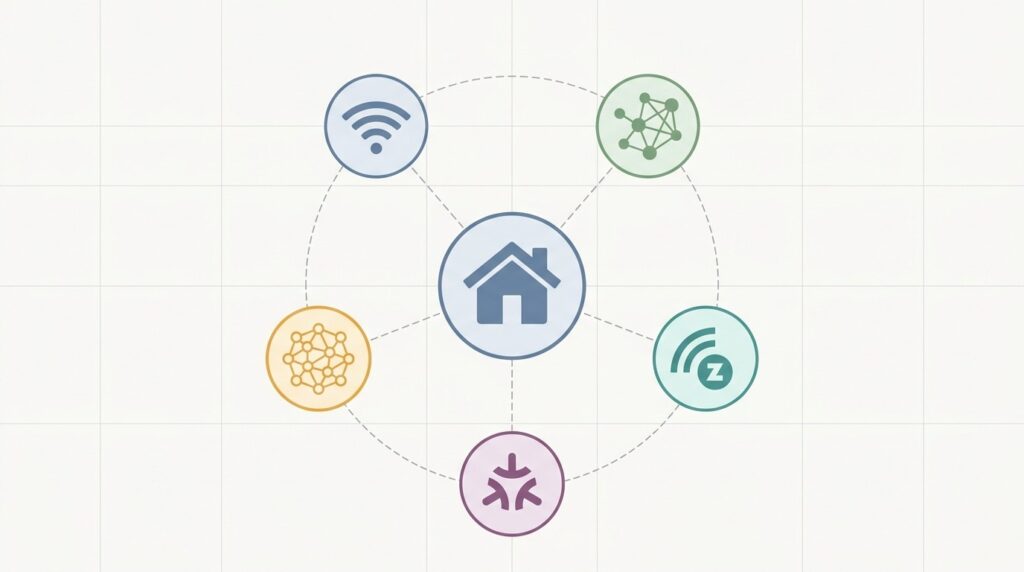
[IMAGE SUGGESTION — Illustration, no text] A network-diagram style flat illustration showing five small icons (Wi-Fi signal, Zigbee-style mesh dots, Z-wave wave symbol, Thread mesh nodes, and a central “Matter” hub shape) connected by thin lines radiating from a central home icon. Modern infographic aesthetic, muted color palette, no text or labels anywhere in the image.
How Much Does a Home Automation System Cost?
A beginner smart home setup typically runs $100–$300 a couple of smart plugs, a basic hub or voice assistant, and a few bulbs. That’s enough to test the waters without committing to an ecosystem.
A mid-range setup, covering lighting, a thermostat, a couple of cameras, and basic security, usually lands between $500–$1,500, depending on brand and whether you DIY the install.
Premium, whole-home automation especially wired systems like KNX or Loxone with professional installation can range from $5,000 to $20,000+, since you’re paying for both hardware and skilled labor.
What drives the cost up isn’t usually the devices themselves, it’s installation complexity, wiring (for wired systems), and how many device categories you’re automating at once. The biggest way to save money is starting small, buying into one ecosystem instead of mixing incompatible brands, and expanding only after you’ve confirmed what you actually use daily. And if you’re shopping for devices online to keep costs down, it’s worth knowing how to spot inflated ratings first. Our Amazon review fraud guide covers exactly that.
| Tier | Typical Cost | What’s Included |
| Starter | $100–$300 | Plugs, hub/voice assistant, a few bulbs |
| Intermediate | $500–$1,500 | Lighting, thermostat, cameras, basic security |
| Luxury | $5,000–$20,000+ | Whole-home wired system, professional install |
Should You Install a Smart Home System Yourself or Hire a Professional?
Most single-device setups, smart plugs, bulbs, battery-powered locks, and standalone cameras are safe to DIY. They’re plug-and-play, don’t touch your home’s wiring, and usually pair through an app in minutes.
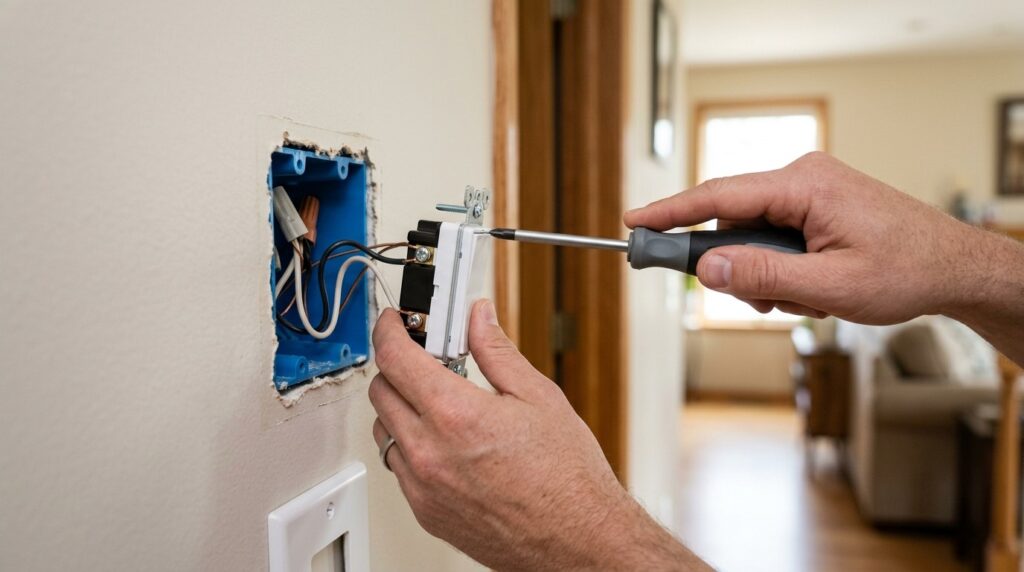
You should hire a professional once you’re dealing with anything electrical: hardwired switches, in-wall thermostats, whole-home wiring for systems like KNX, or complex multi-hub setups spanning several protocols. Getting wiring wrong isn’t just inconvenient, it’s a safety issue.
For tools, most DIY installs need nothing more than a screwdriver and the manufacturer’s app. Professional installs bring in proper electrical tools and network equipment.
Timeline-wise, a basic DIY setup (a few devices) can be done in an afternoon. A mid-range home usually takes a weekend if you’re doing it yourself. Professional whole-home installs can take anywhere from a few days to a couple of weeks depending on scope.
The most common beginner mistakes I see: buying devices across incompatible protocols before checking your hub supports them, skipping a dedicated IoT network, and automating every room at once instead of starting with one and expanding once it’s working reliably.
How Secure Are Smart Home Systems?
Yes, smart home devices can be hacked, weak default passwords, outdated firmware, and unsecured Wi-Fi networks are the most common entry points, not some sophisticated exploit. The good news is most of these risks are easy to close off.
Start with your Wi-Fi network itself: use WPA3 if your router supports it, change default admin credentials, and avoid reusing passwords across devices. From there, the single biggest upgrade most homes skip is putting smart devices on a separate IoT network or guest network, so a compromised smart plug can’t reach your laptop or phone.
Firmware updates matter more than people think most security patches for smart devices ship as firmware updates, so a device that’s stopped receiving them is a device that’s stopped being protected.
On storage, local storage (like Home Assistant or on-device camera storage) keeps your data off third-party servers, while cloud storage is more convenient but depends on the provider’s security practices.
Quick smart home security checklist:
- Change all default passwords
- Enable WPA3 on your router
- Put IoT devices on a separate network
- Keep firmware updated automatically where possible
- Choose local storage for sensitive devices (cameras, locks)
- Review app permissions periodically
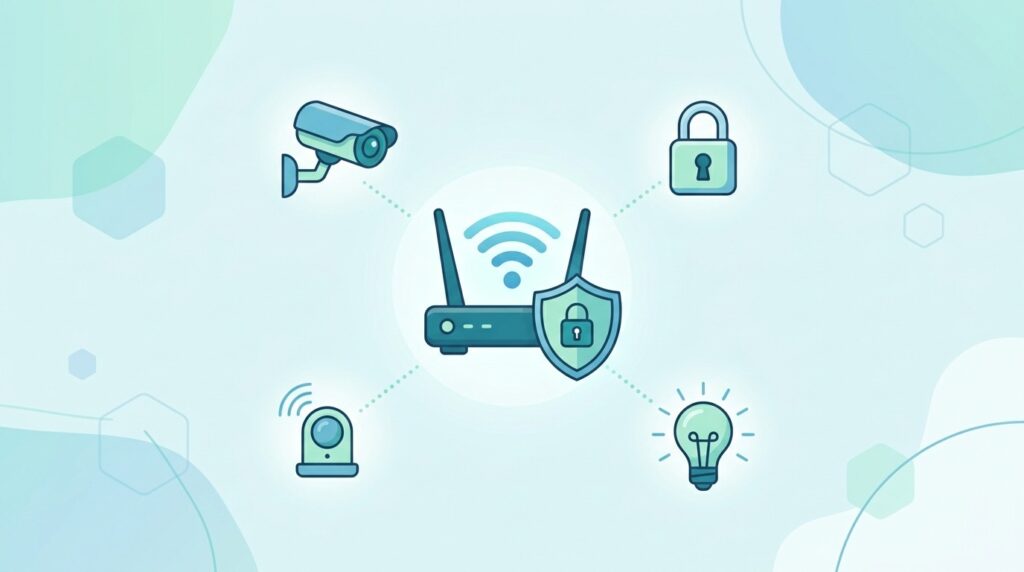
[IMAGE SUGGESTION — Illustration, no text] A flat vector illustration of a stylized router/Wi-Fi icon with a subtle shield icon overlapping it, surrounded by smaller connected device icons (camera, lock, bulb) each with a faint dotted-line connection back to the shielded router. Calm, reassuring color palette (blues/greens), modern minimal infographic style, no text.
Frequently Asked Questions
What is the best smart home system? There isn’t a single best system Alexa wins on compatibility, HomeKit on privacy, Google Home on voice, and Home Assistant on control. The right pick depends on your priorities.
What is the difference between Matter and Thread? Thread is a low-power mesh networking protocol; Matter is the standard built on top of protocols like Thread that lets devices from different brands work across ecosystems.
Do smart home systems work during a power outage? Battery-backed hubs and locks can keep working briefly, but most Wi-Fi-dependent devices go offline without power, and cloud-based automations pause until your router and internet are back.
Is a smart home hub necessary? Not always. Many Wi-Fi and Matter devices connect directly to your router. A hub becomes useful once you’re mixing protocols like Zigbee or Z-Wave.
Can renters install smart home systems? Yes wireless, non-invasive devices like smart plugs, battery locks, and plug-in hubs work well without any wiring or landlord approval.
Is Home Assistant better than Alexa or Google Home? For control and privacy, yes. For ease of setup and broad compatibility, Alexa or Google Home are simpler starting points.
Conclusion: Which Smart Home System Should You Choose in 2026?
If you’re a beginner, start with Alexa or Google Home. If privacy is non-negotiable, choose Apple HomeKit or Home Assistant. If you want full control, go with Home Assistant Green. And if you’re planning a new build or luxury property, bring in a professional for KNX or Loxone. Whatever you choose, build around Matter; it’s what keeps your setup flexible as the market keeps growing toward that $490 billion 2030 mark.
For the next step, browse our full smart home category for device-specific guides, or if you’re weighing a broader tech upgrade this year, take a look at our best gadgets of 2026 picks.